

supports
- Type: Supports Types
- Optional:
true - Default:
undefined
This option controls bundle parsing and compressed size calculation.
supportsTypes
parseBundle
- Type:
boolean - Default:
true
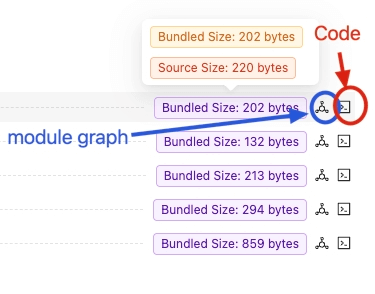
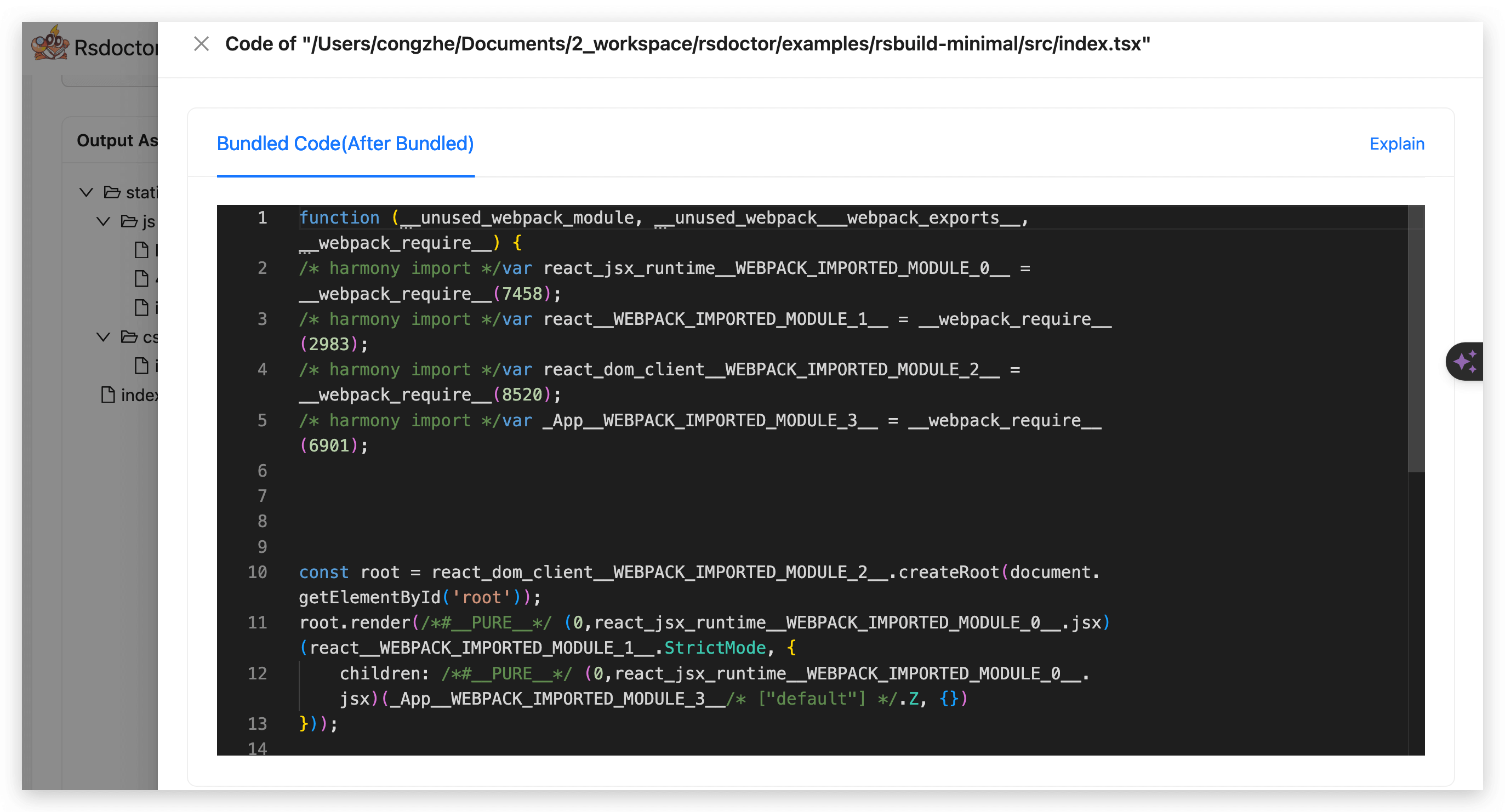
Controls whether Rsdoctor uses AST parsing to analyze bundle code when source map data is unavailable.
AST parsing can take time in large projects. Set supports.parseBundle to false to skip this step:
Disabling this option may leave modules that require AST parsing without Bundled Size or Bundled Code. Analysis based on source maps is unaffected.
To control which code is included in the report, use output.reportCodeType.
gzip
- Type:
boolean | { gzipLevel?: number } - Default:
true
Controls whether Rsdoctor calculates gzip sizes for assets and modules. This calculation only affects the size data in the Rsdoctor report; it does not modify or compress the build output.
Rsdoctor skips gzip size calculation while the compiler is running in watch mode. Run a one-time build when you need gzip sizes for production bundle analysis.
Gzip size calculation is enabled by default with a compression level of 6. Set gzip to an object to customize gzipLevel, which must be an integer between 0 and 9:
Set gzip to false to disable gzip size calculation:
brotli
- Type:
boolean | { brotliLevel?: number } - Default:
false
Calculates Brotli sizes for assets and modules in the report, including the size cards and treemap. This does not compress or modify build output. Like gzip, Brotli calculation is skipped in watch mode.
Set brotli: true or brotli: {} to use quality 6, or specify brotliLevel as an integer from 0 to 11. Higher levels can increase analysis time. Disable gzip independently when you only need Brotli sizes: